


ArchitecturalObservation
Form, composition, contextual fit
Massing steps politely to the street; the roofline could echo the neighboring cornice line.
A studio for architectural visualization. Explore sketches, photos, floor-plan PDFs, and written briefs with image, video, and AI review tools. Supported inputs and outputs vary by tool.
Example prompt...
Illustrative preview
Describe the architecture you want to see...
Architecture · Interiors · Urban planning · Landscape · Visualization · Real estate
One studio · Selected integrations
Explore image, video, 3D, editing, and upscaling tools backed by selected model integrations. Available models and options vary by tool; this is not the full provider catalog.
 Flux 2 ProImageNano Banana 2Image
 Recraft V3Image
 Ideogram V3Image
 Seedream 4.5ImageFlux Kontext · image-to-imageEdit
 Kling v3 ProVideo
 Veo 3.1VideoHunyuan3D v2.13D
Made with archframe.ai
Exteriors
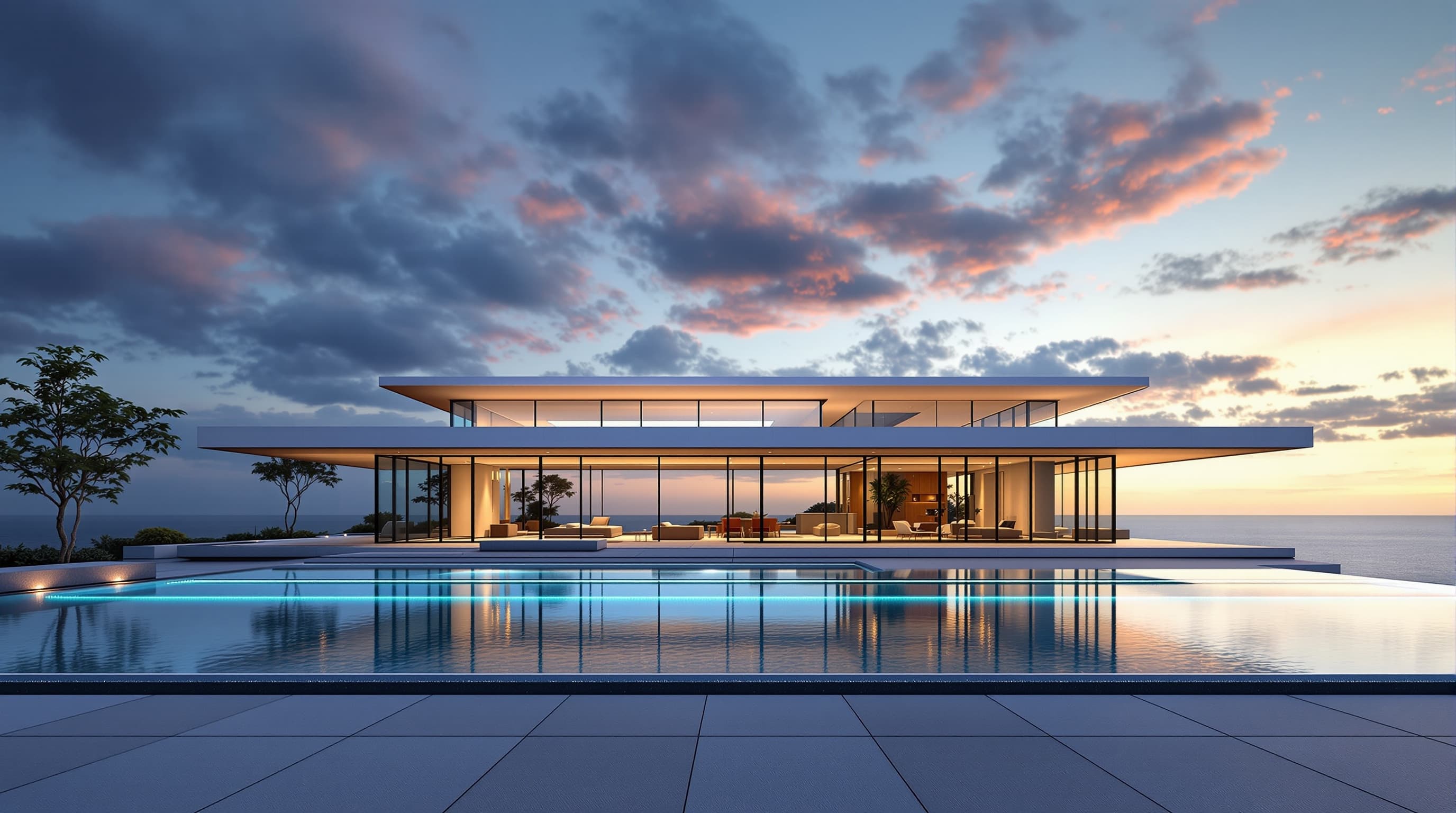
Pacific Palisades glass villa
Front elevationOpen in Studio
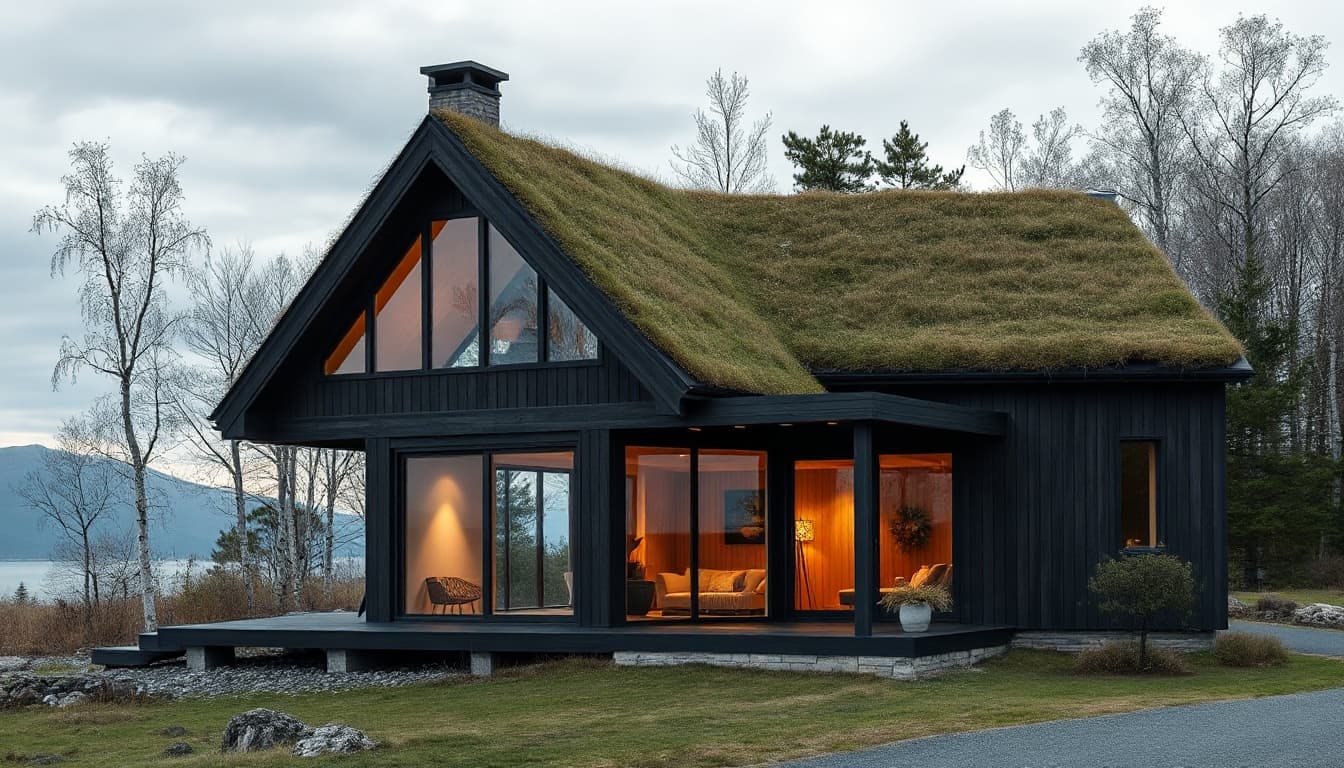
Nordic timber pavilion
Front elevationOpen in Studio
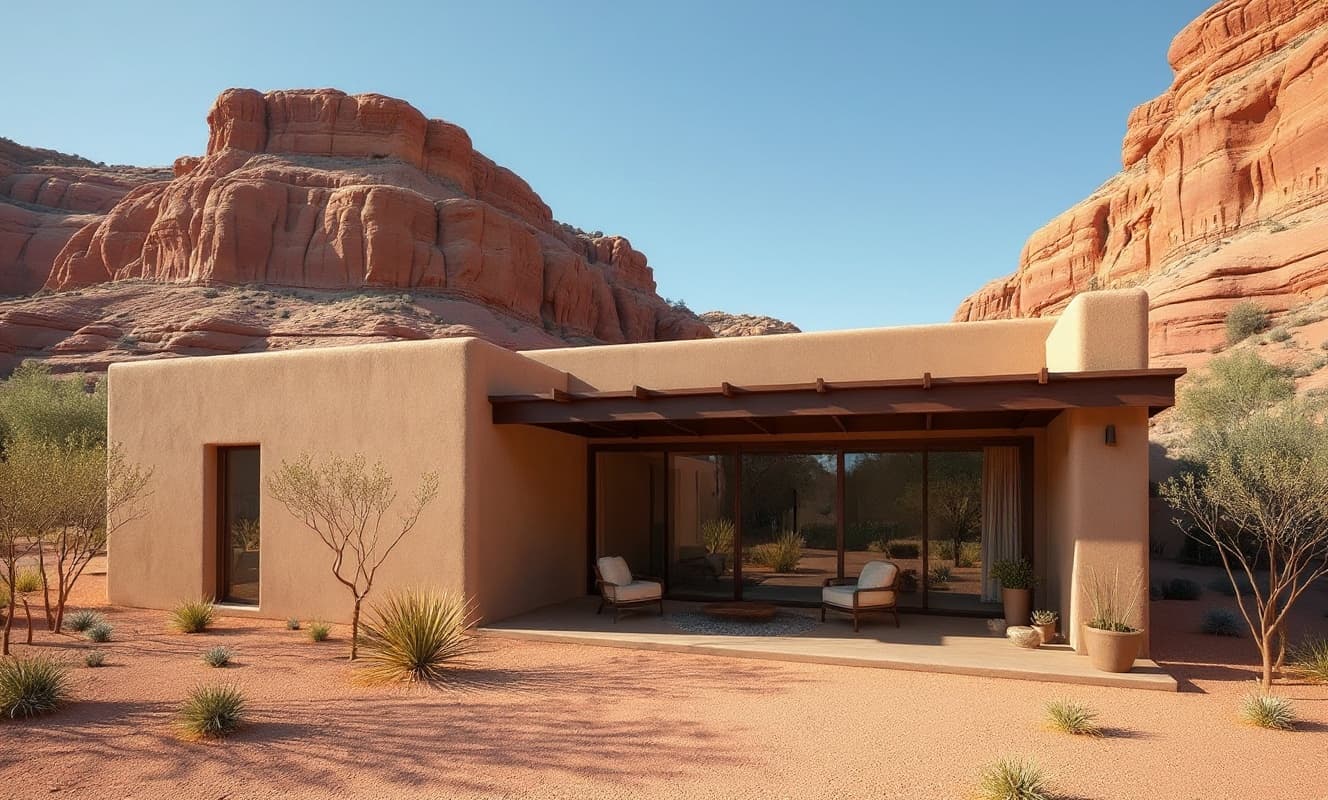
Desert adobe compound
Three-quarter viewOpen in Studio
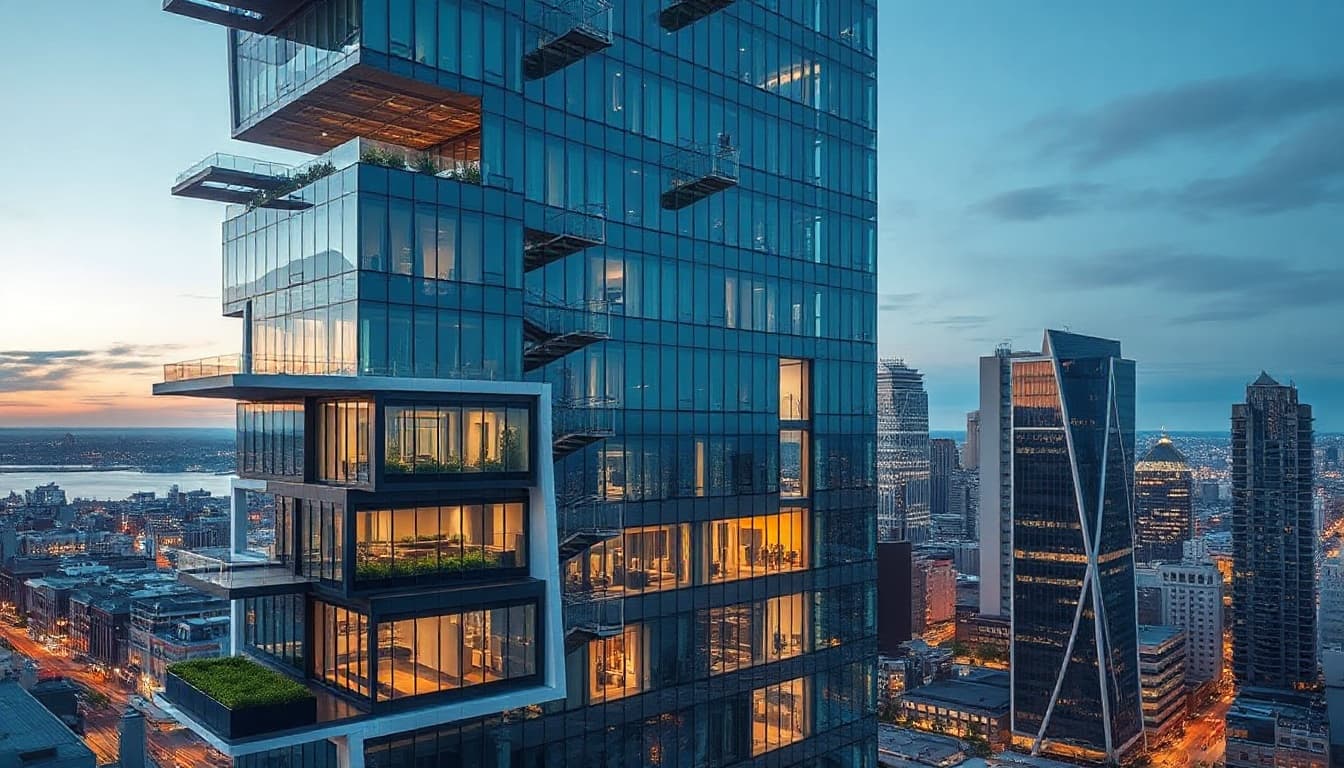
Urban mixed-use tower
Front elevationOpen in Studio
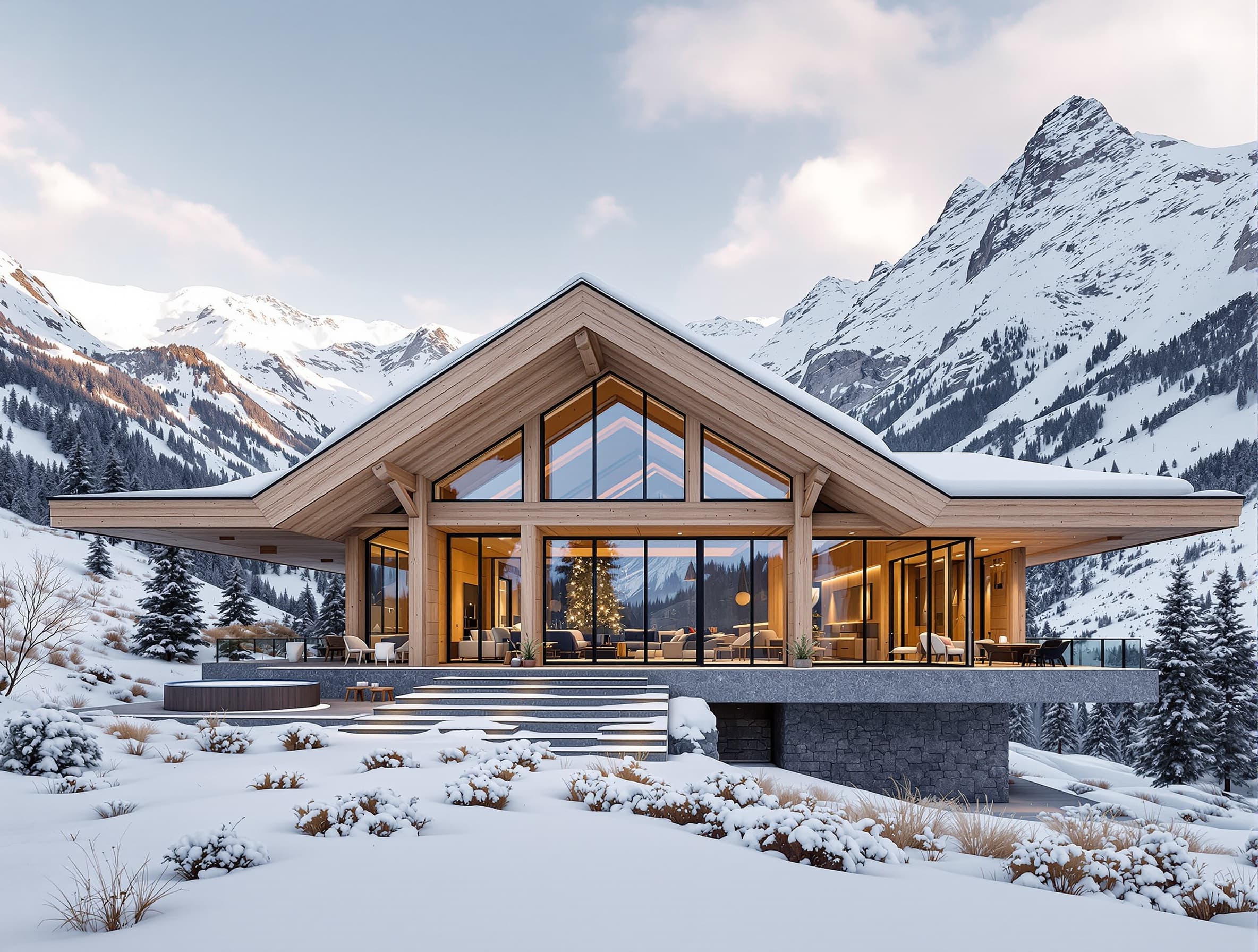
Alpine lodge
Front elevationOpen in Studio
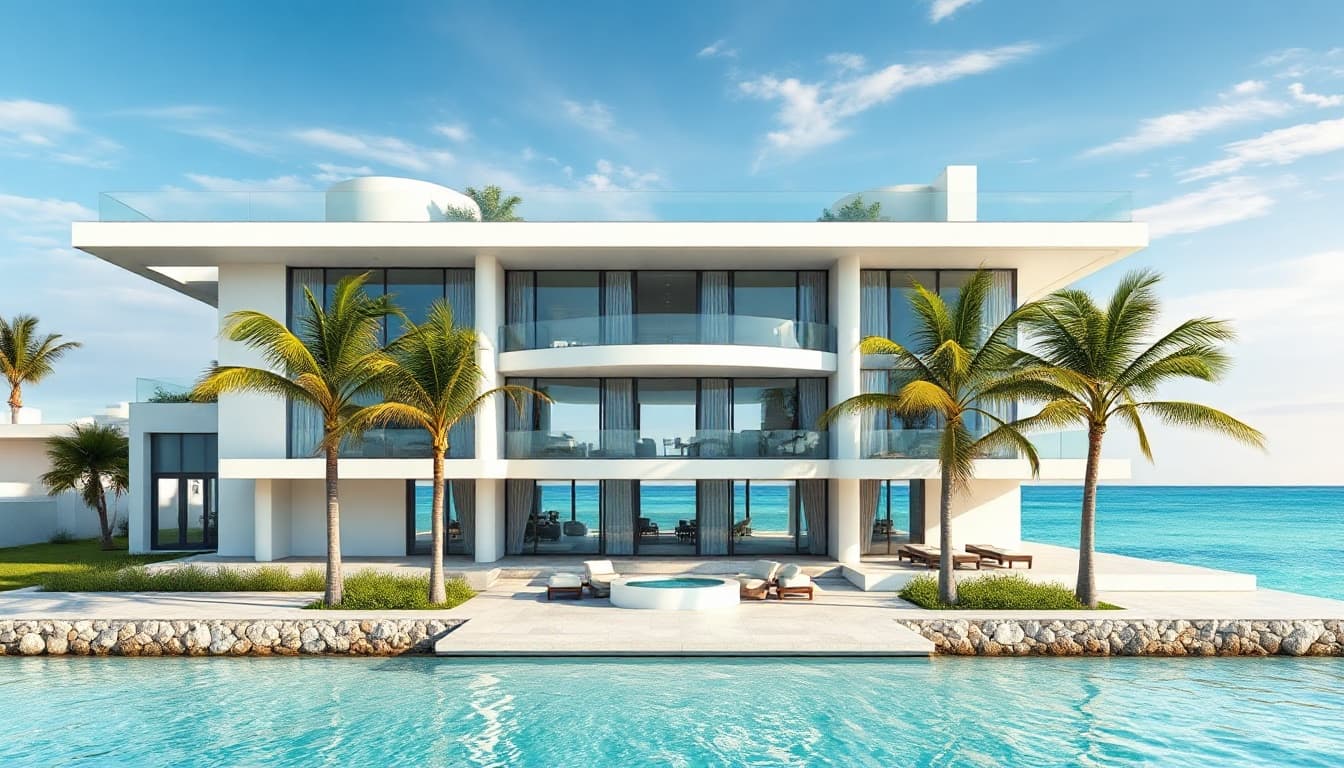
Miami glass residence
Front elevationOpen in Studio
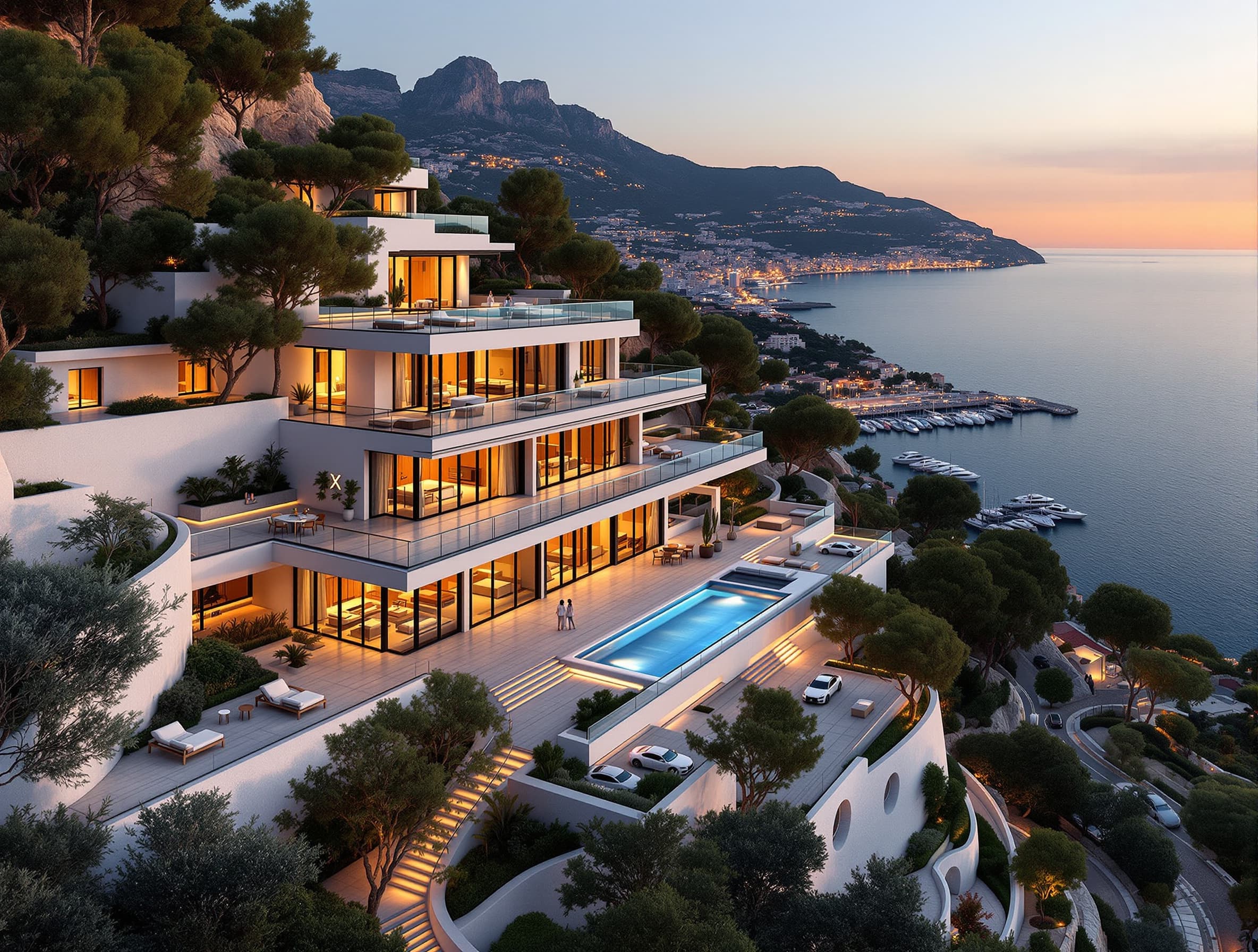
Monaco cliffside villa
Front elevationOpen in Studio
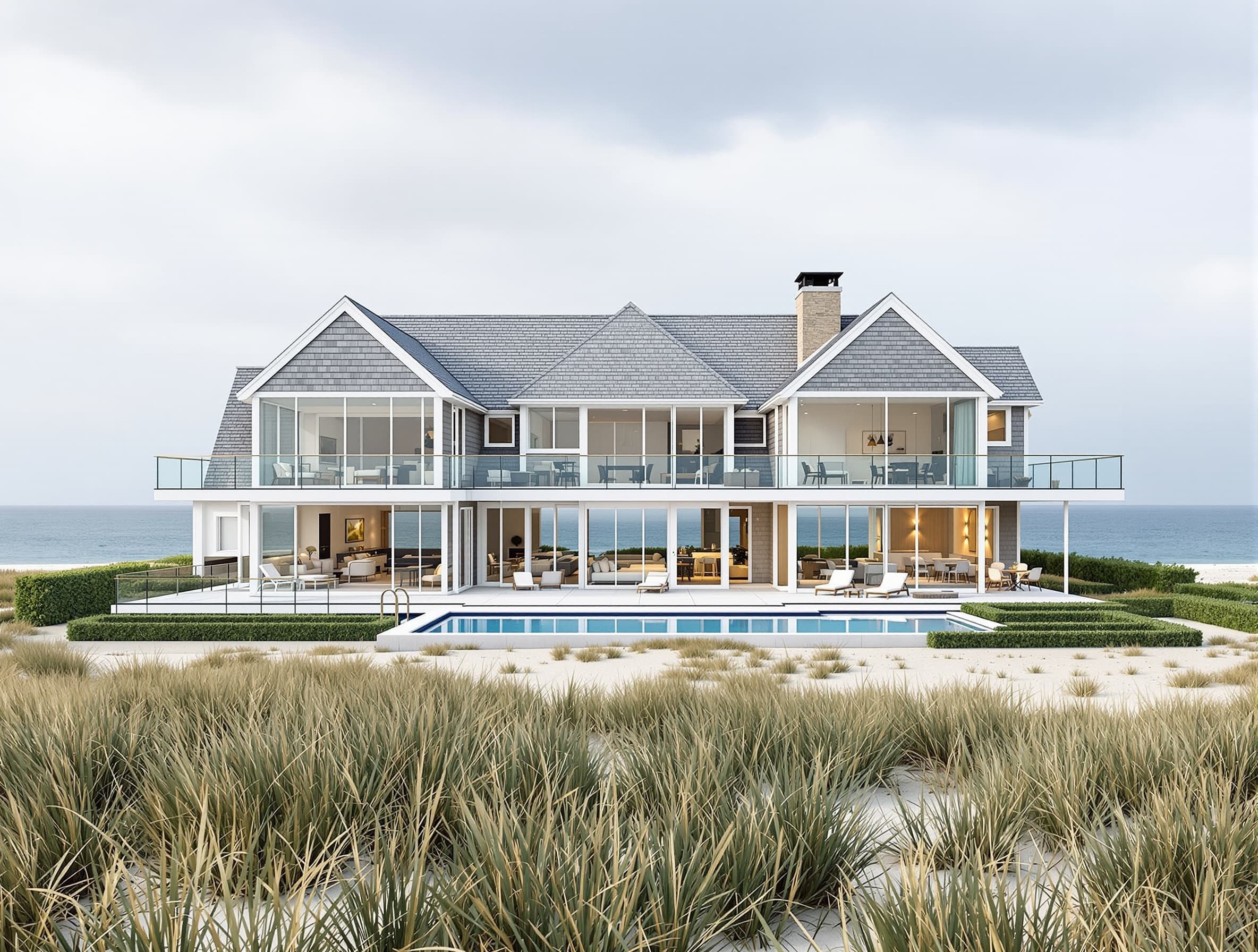
Hamptons oceanfront house
Front elevationOpen in Studio
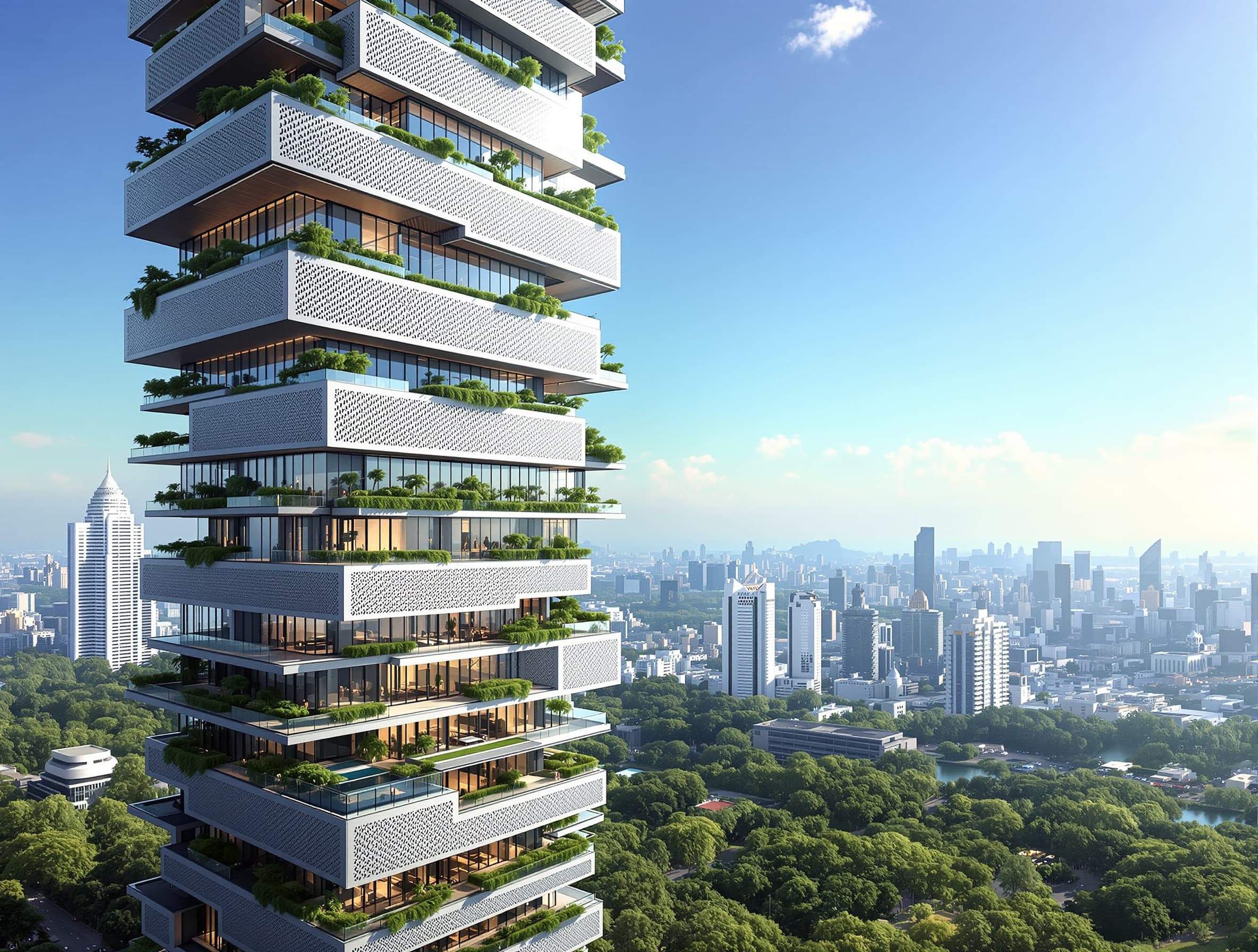
Tropical residential tower
Front elevationOpen in Studio
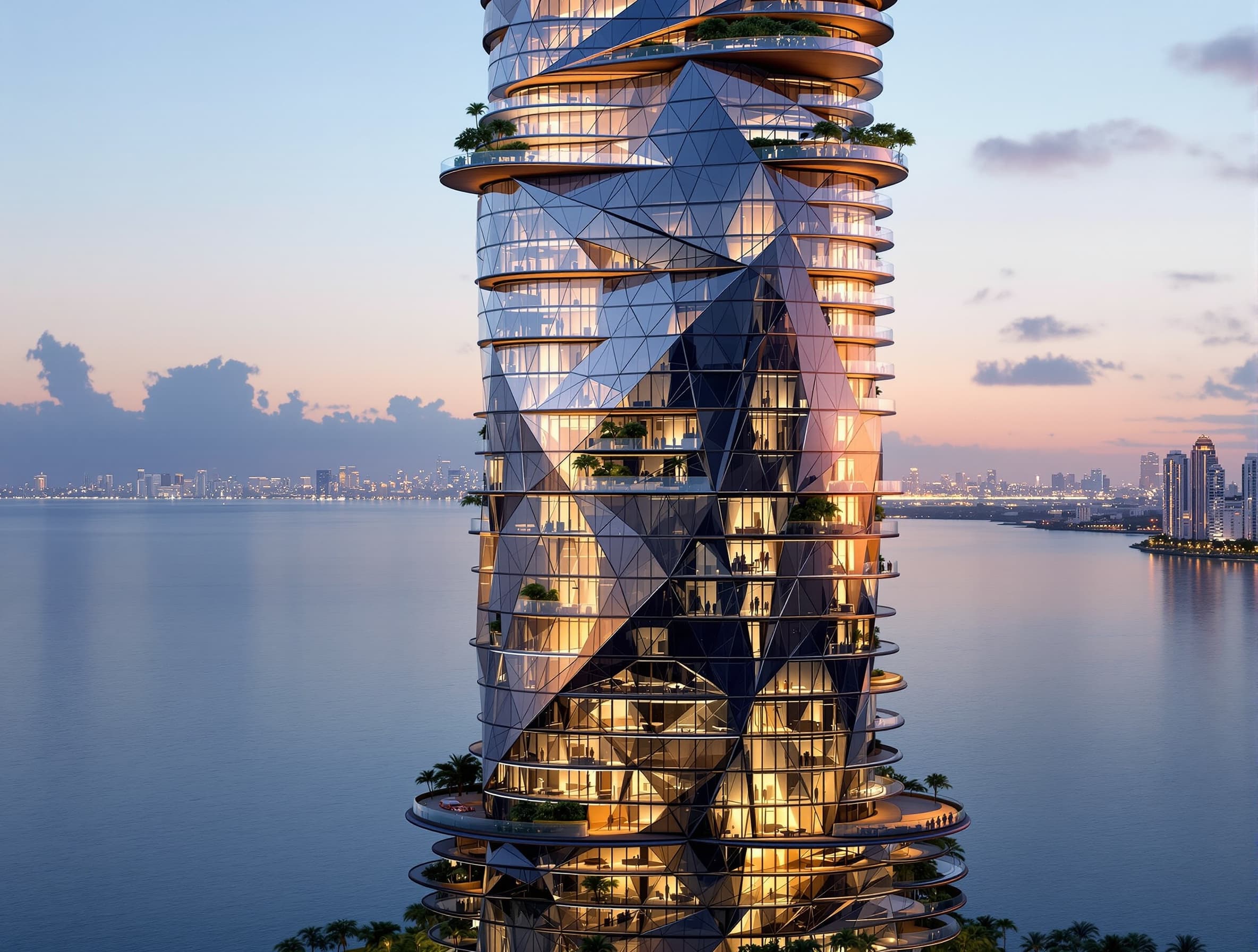
Miami tower
Street viewOpen in Studio
Interiors & spaces
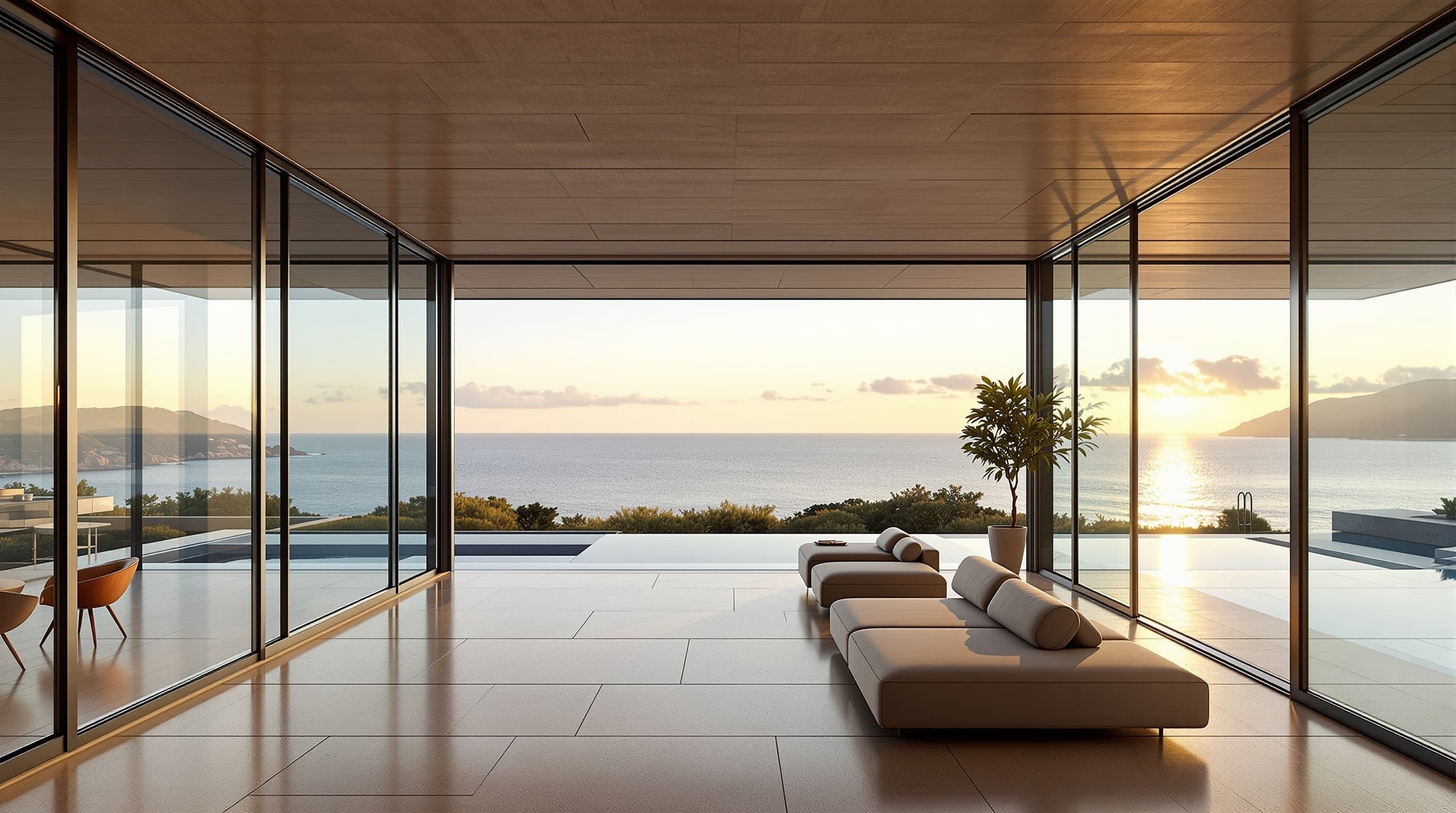
Pacific Palisades glass villa
Living spaceOpen in Studio
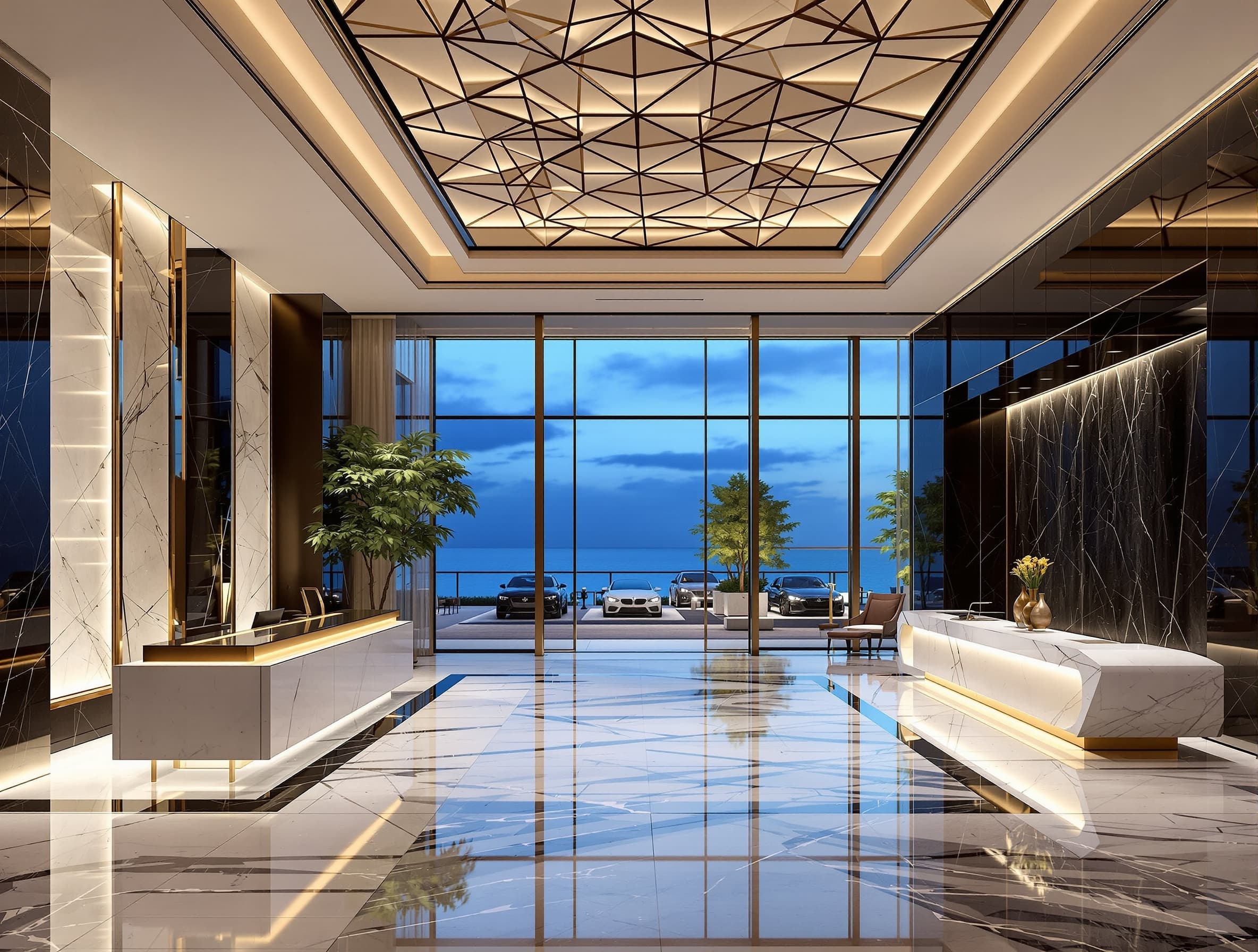
Miami tower
LobbyOpen in Studio
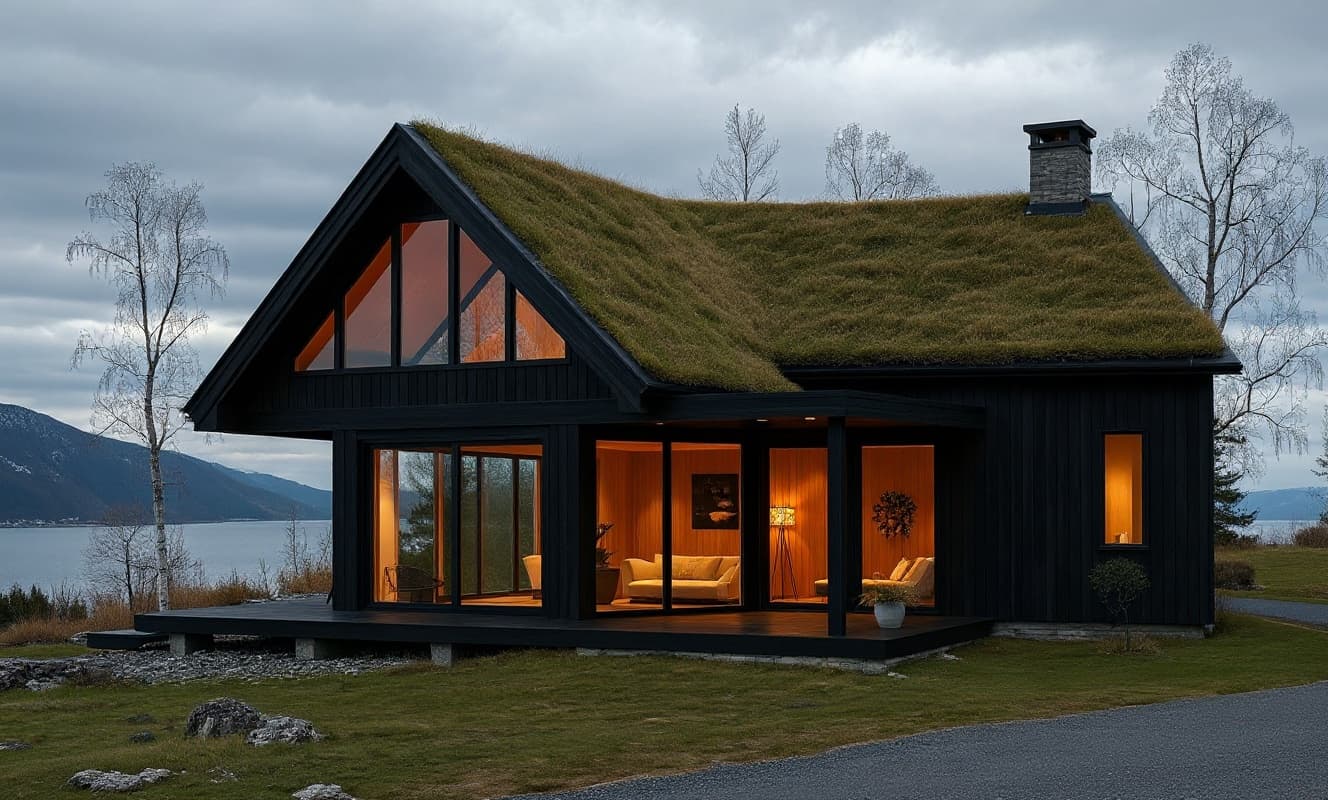
Nordic timber pavilion
InteriorOpen in Studio
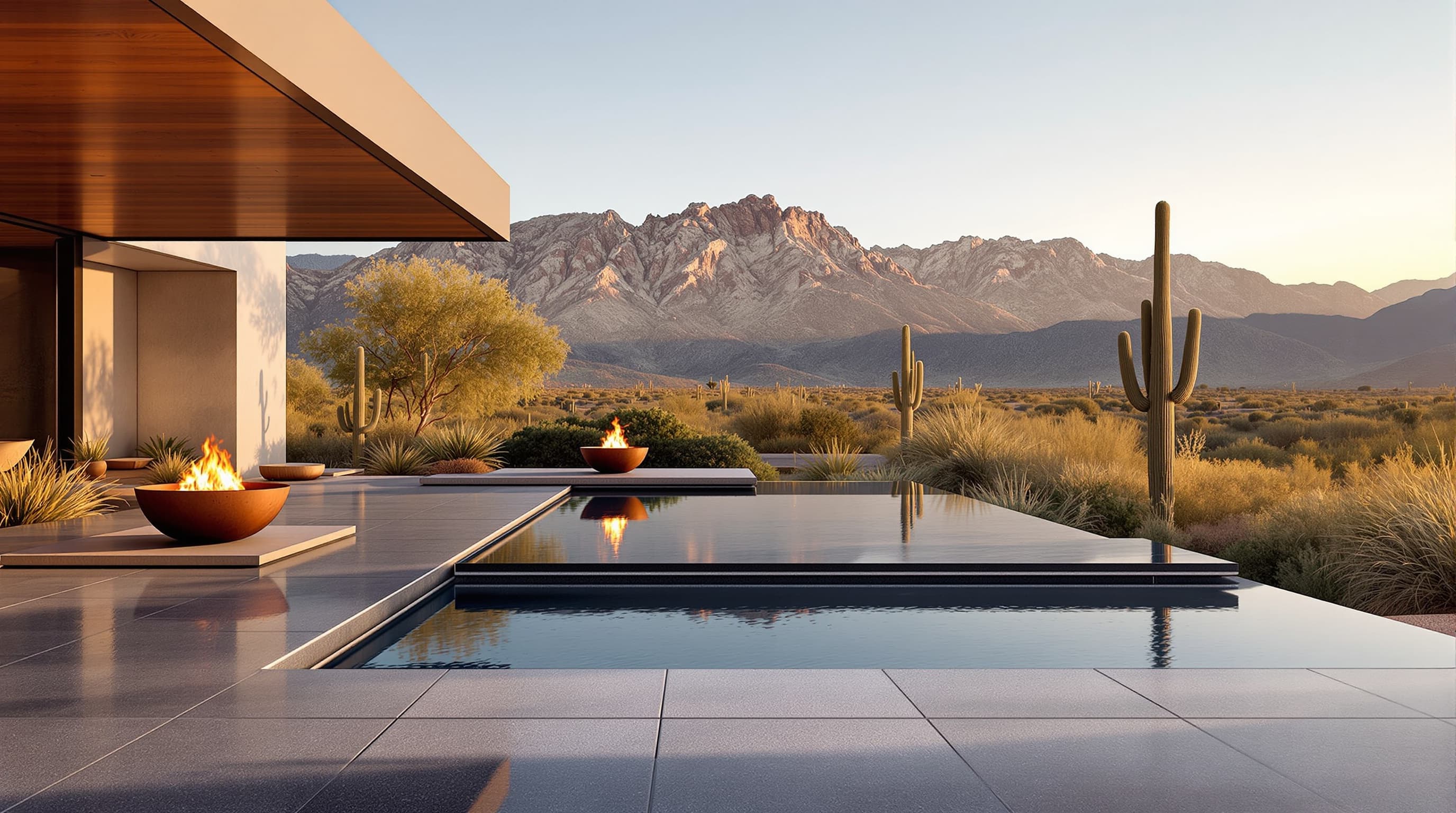
Desert compound
Pool terraceOpen in Studio
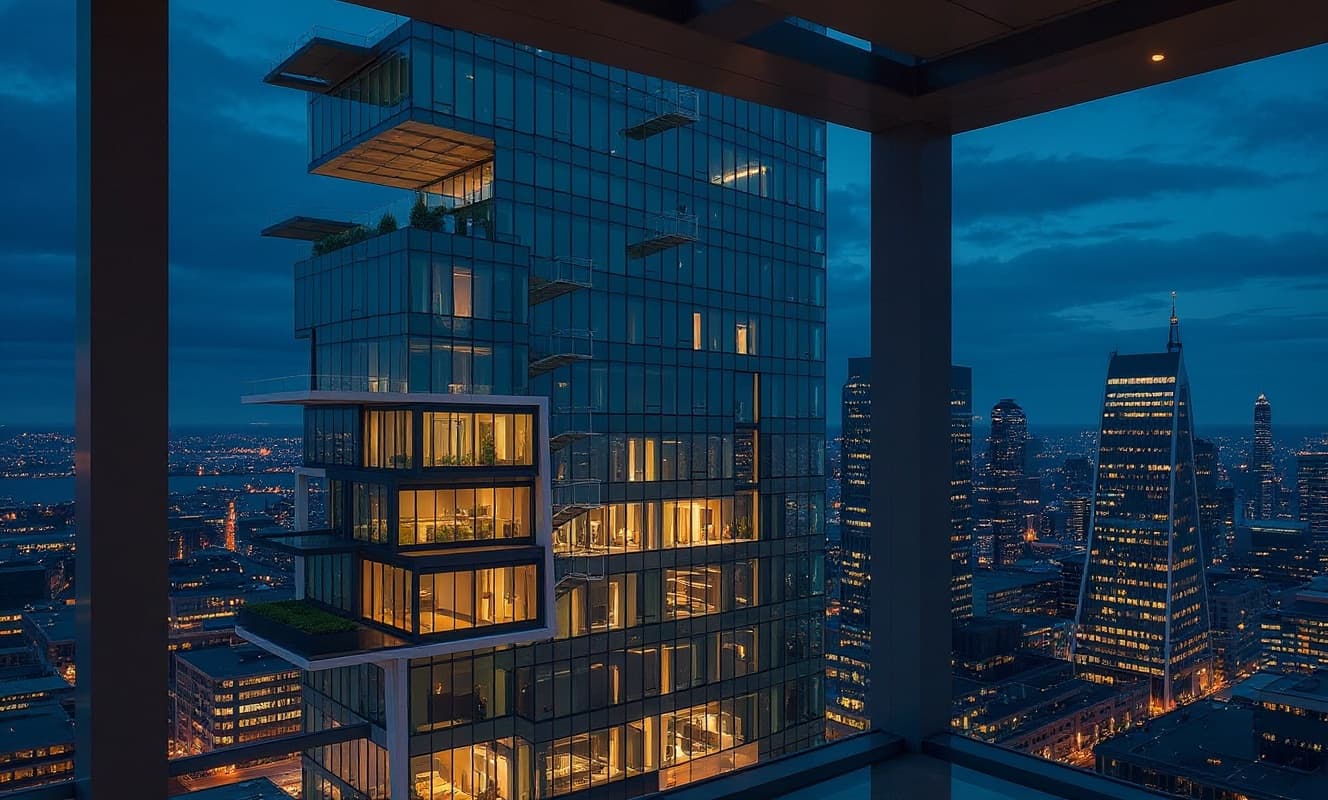
Urban mixed-use tower
Sky loungeOpen in Studio
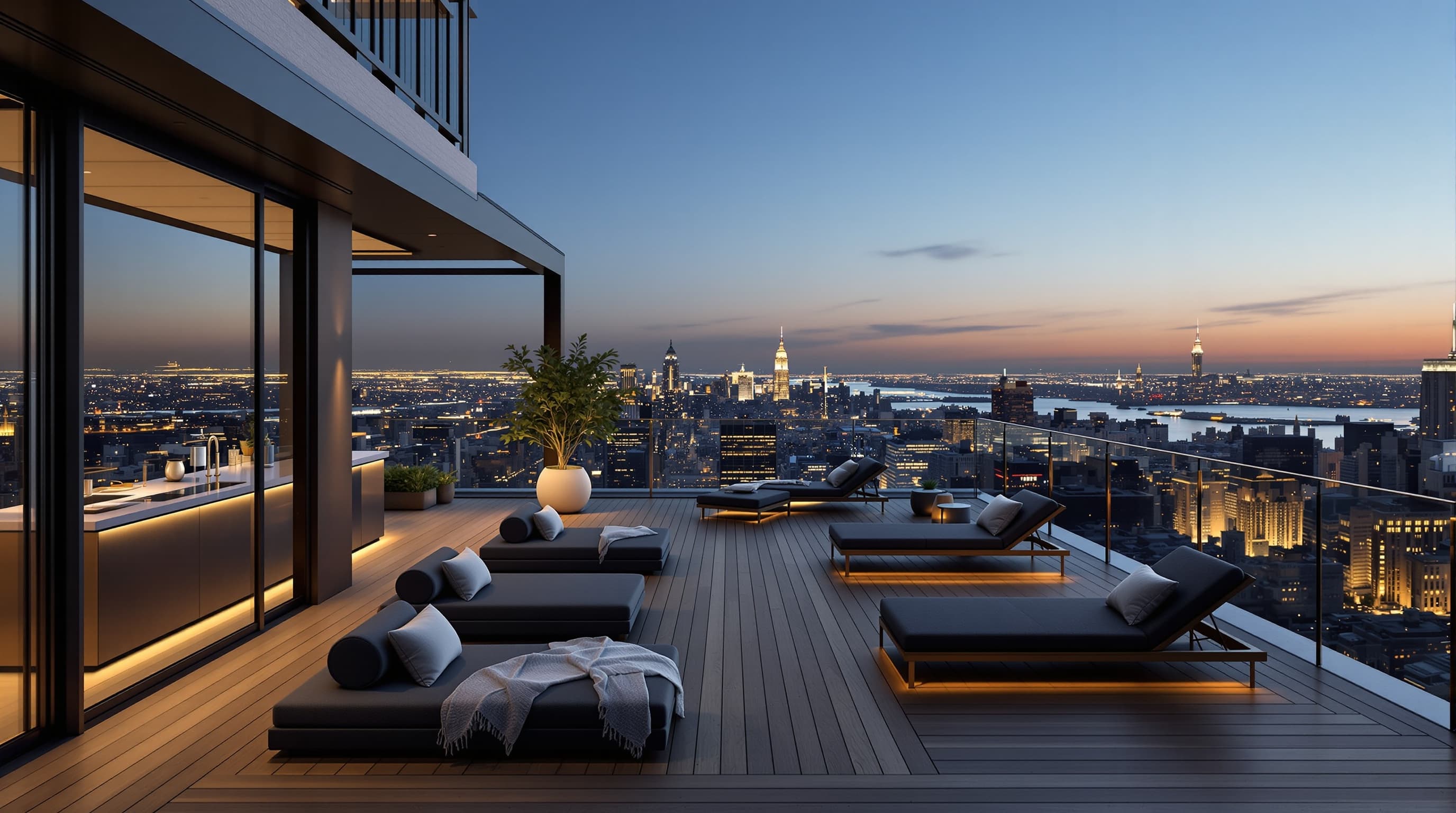
NYC penthouse
TerraceOpen in Studio
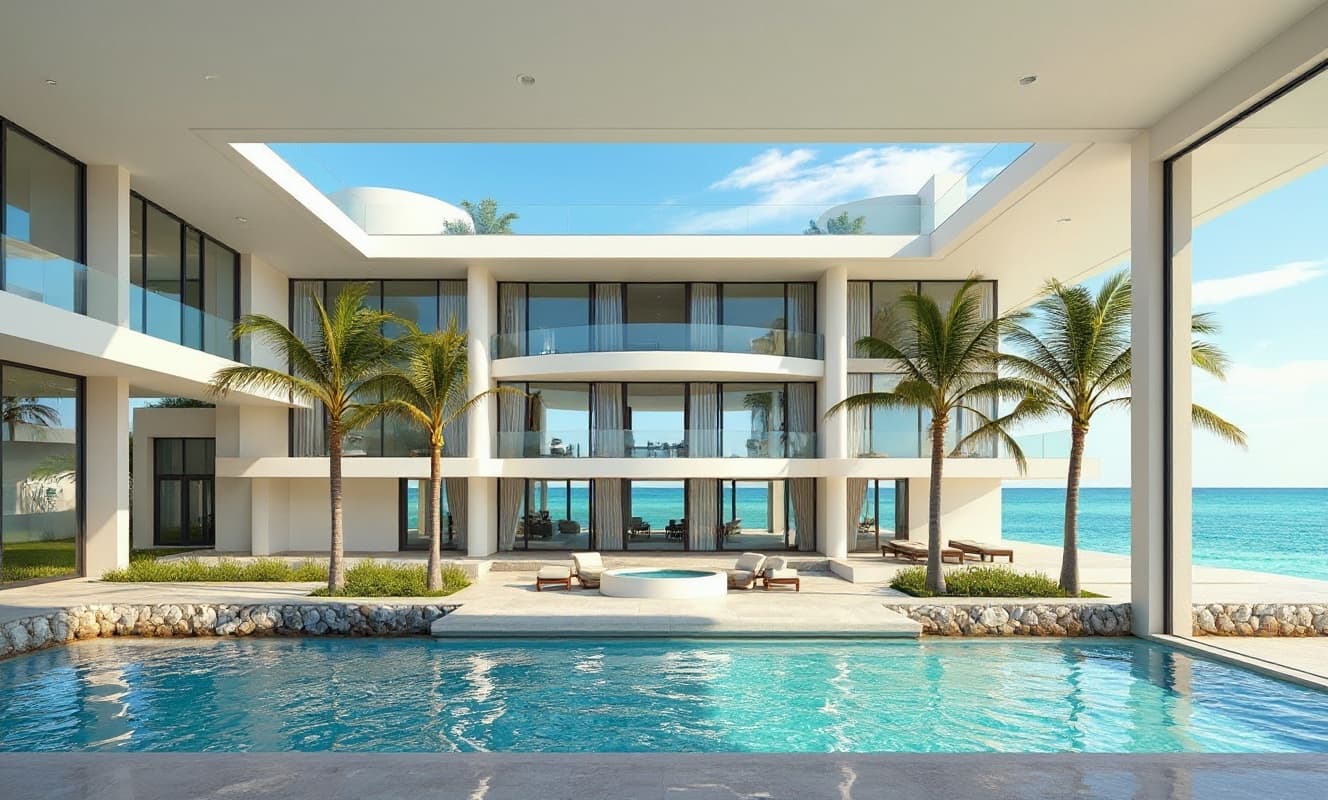
Miami glass residence
InteriorOpen in Studio
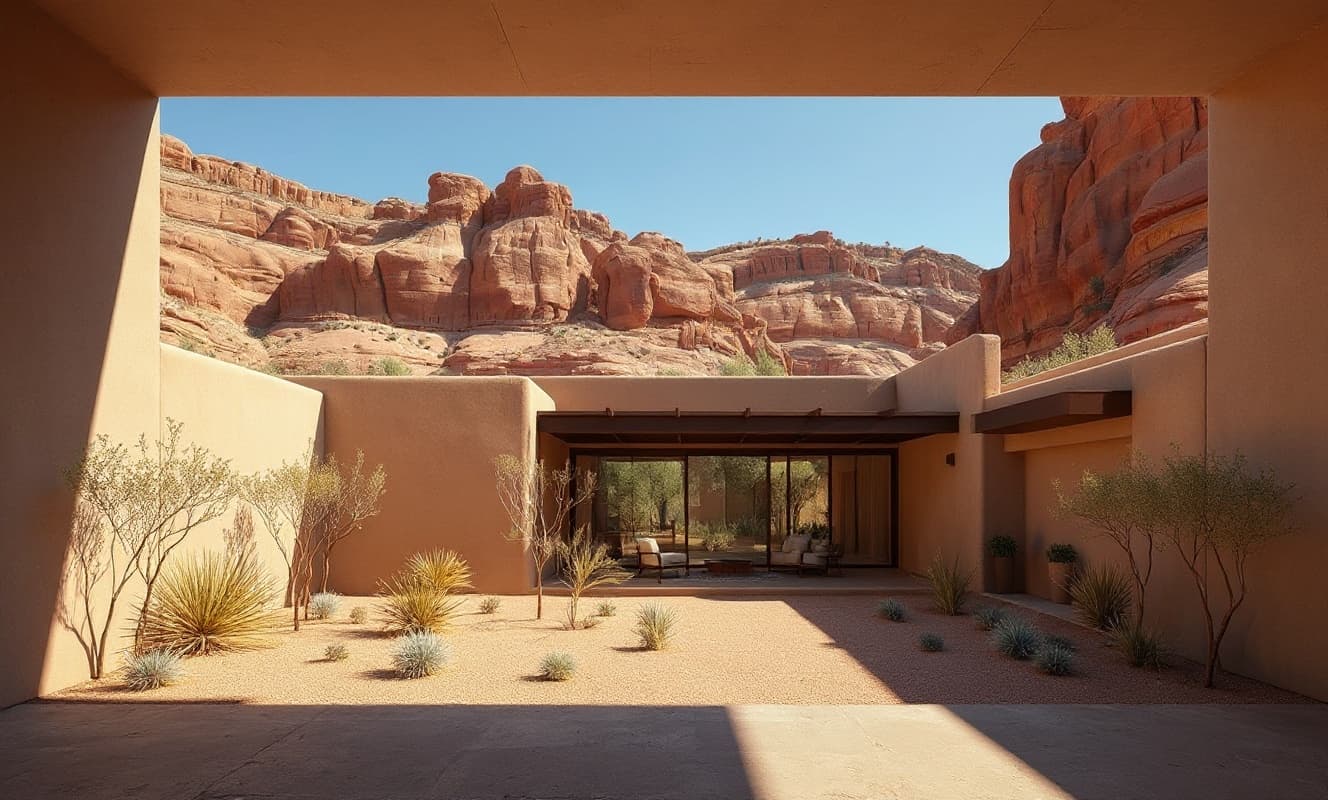
Desert adobe compound
InteriorOpen in Studio
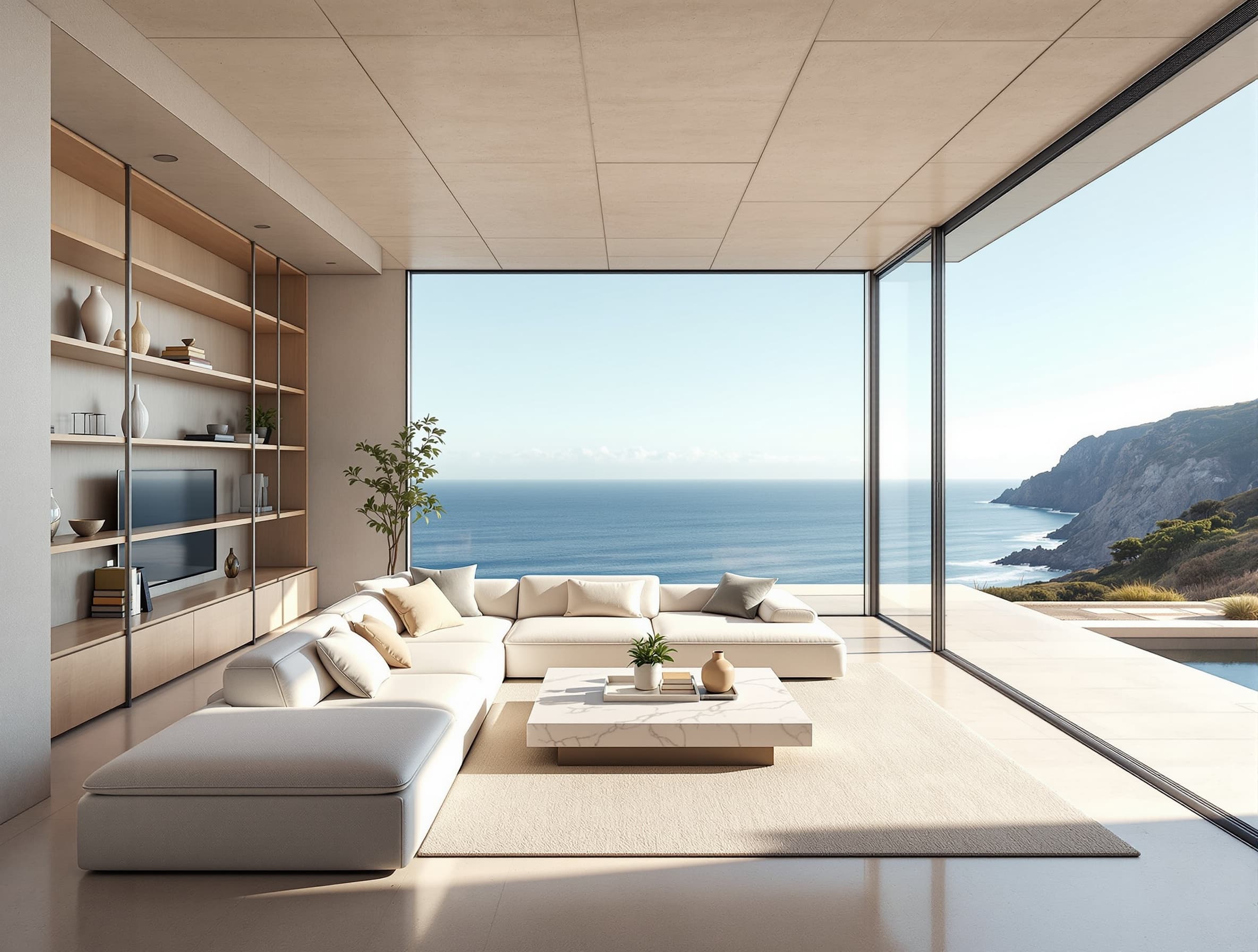
Malibu clifftop house
InteriorOpen in Studio
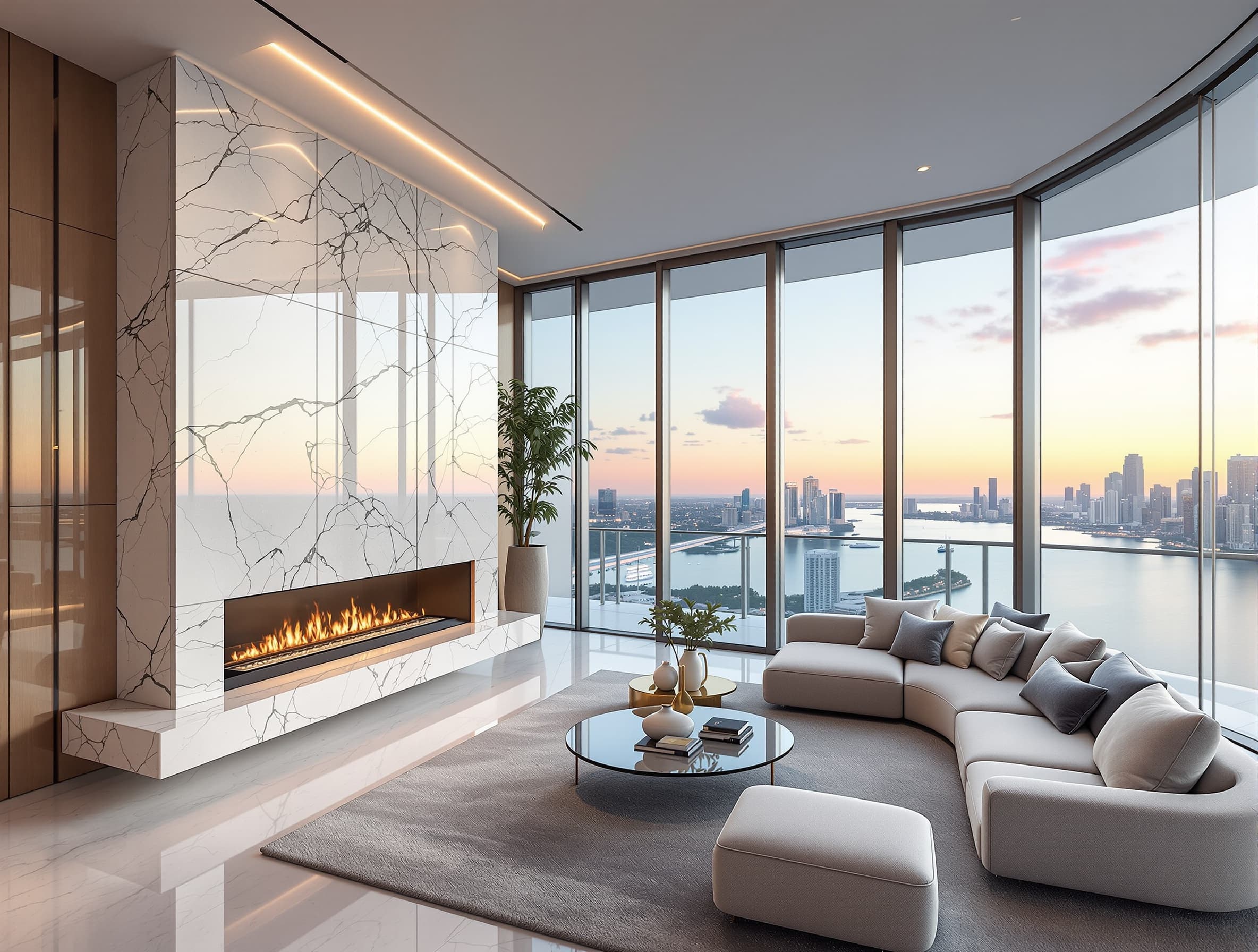
Miami tower
PenthouseOpen in Studio
Everything you need · One platform
Rendering, editing, video, 3D, upscaling, and design review — purpose-built for architects and visualization professionals.
Sketch to visual concept
Geometry from a single image
Choices vary by tool
Architectural styles
Draw or upload a sketch, a floor-plan PDF, or a photo, or start from a text prompt. Get a photorealistic render — not enhancement, full generation.
Supports 49 architectural styles with fine-grained control over materials, lighting, and perspective.
Open in Studio→Explore a video motion study from a supported still image.
Camera options, audio, duration, and resolution depend on the selected model. Check visual continuity before presenting.
Open in Studio→Upload a single photo or render. Get a textured 3D mesh you can view, rotate, and export.
Multiple detail levels and export formats (GLB, plus OBJ, FBX, and USDZ on supported models) for downstream tools.
Open in Studio→6 AI specialists — architectural, structural, MEP, sustainability, accessibility, and cost — critique your design in parallel.
Streaming feedback per specialist with a scored summary. AI-generated analysis for design exploration, not engineering advice.
Open in Studio→Iterate on real-world photos. Re-light, re-material, re-frame — all without re-shooting.
Explore changes to lighting, materials, and framing. Review each generated variation against your source before sharing.
Open in Studio→The studio
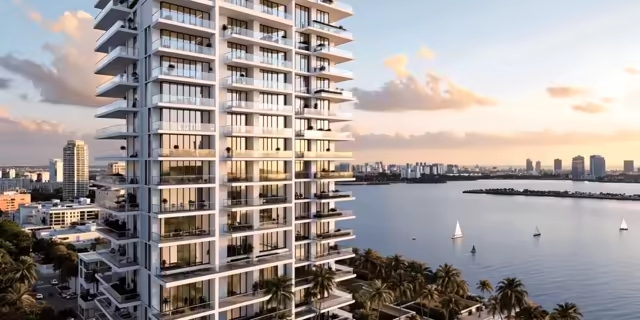
Founding service
Bring one approved source view and one decision you need to make. Receive three clearly labelled visualization directions, a focused review, and a concise record your client or team can act on.
Ask about current availability and terms.
Checkout opens after payment-account verification. Send the source view and the decision you are weighing; we will confirm fit before asking you to book.
Founding price
$1,500
$2,400 standing price
38% off the standing price for the first 5 projects, in exchange for a named testimonial.
Delivered within 3 business days after complete intake
Design communication only. Not construction documents, engineering, code advice, photometric proof, or fabrication-ready production files.
Looking for self-serve studio pricing?
Product plans are still being finalized. Join the waitlist for launch pricing and early-access availability.
Same view, two states. On the left, the line drawing — what you start with. On the right, the finished render. Drag to bring one into the other.
Sketch → Render · Downtown Sarasota condo
Illustrative workflow
This diagram illustrates possible design stages, not a completed run. The workflow builder executes supported steps; some template nodes are layout-only. Check each template before running it.
Illustrative concepts · Four perspectives
Front elevation
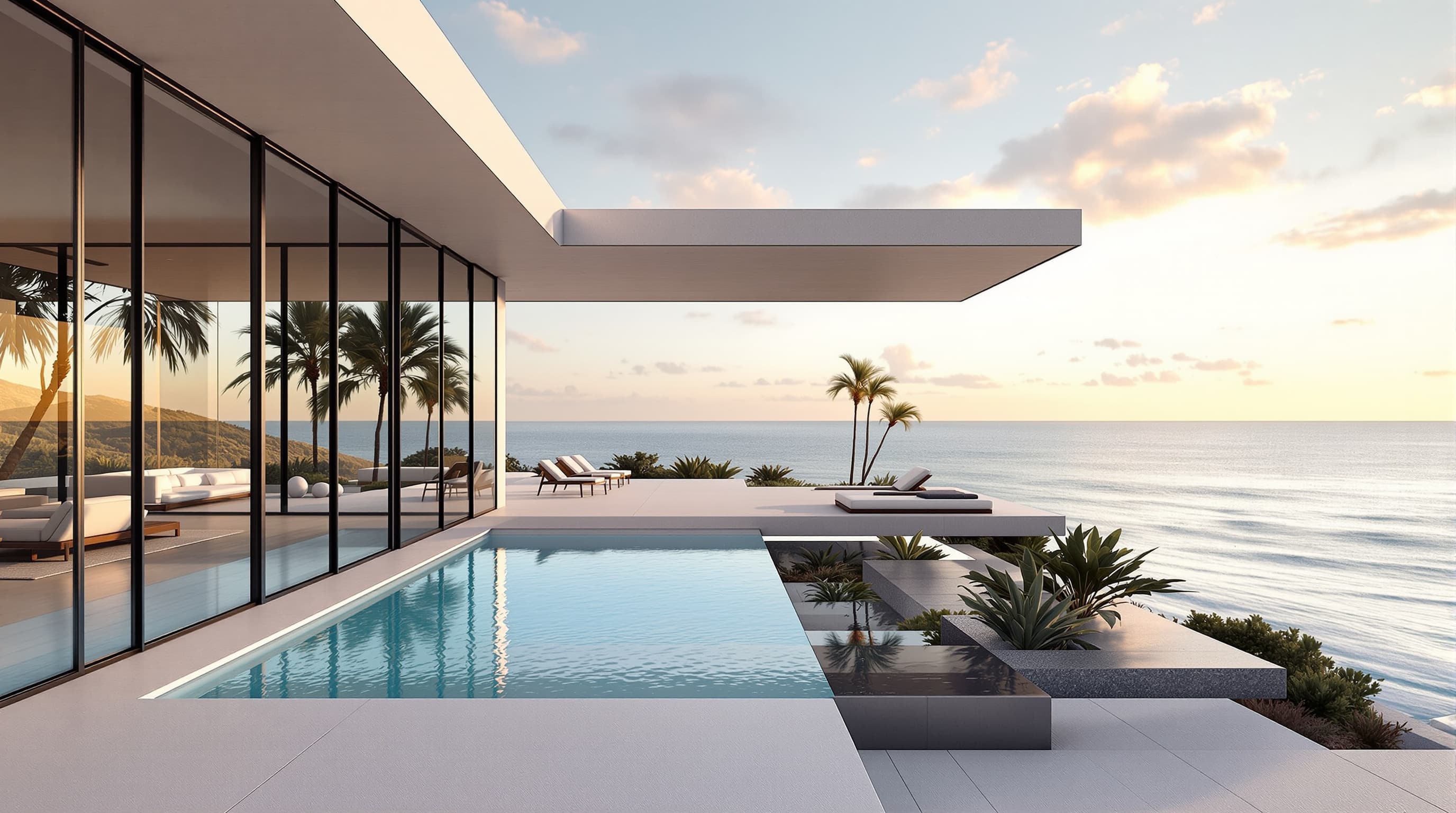
Three-quarter view
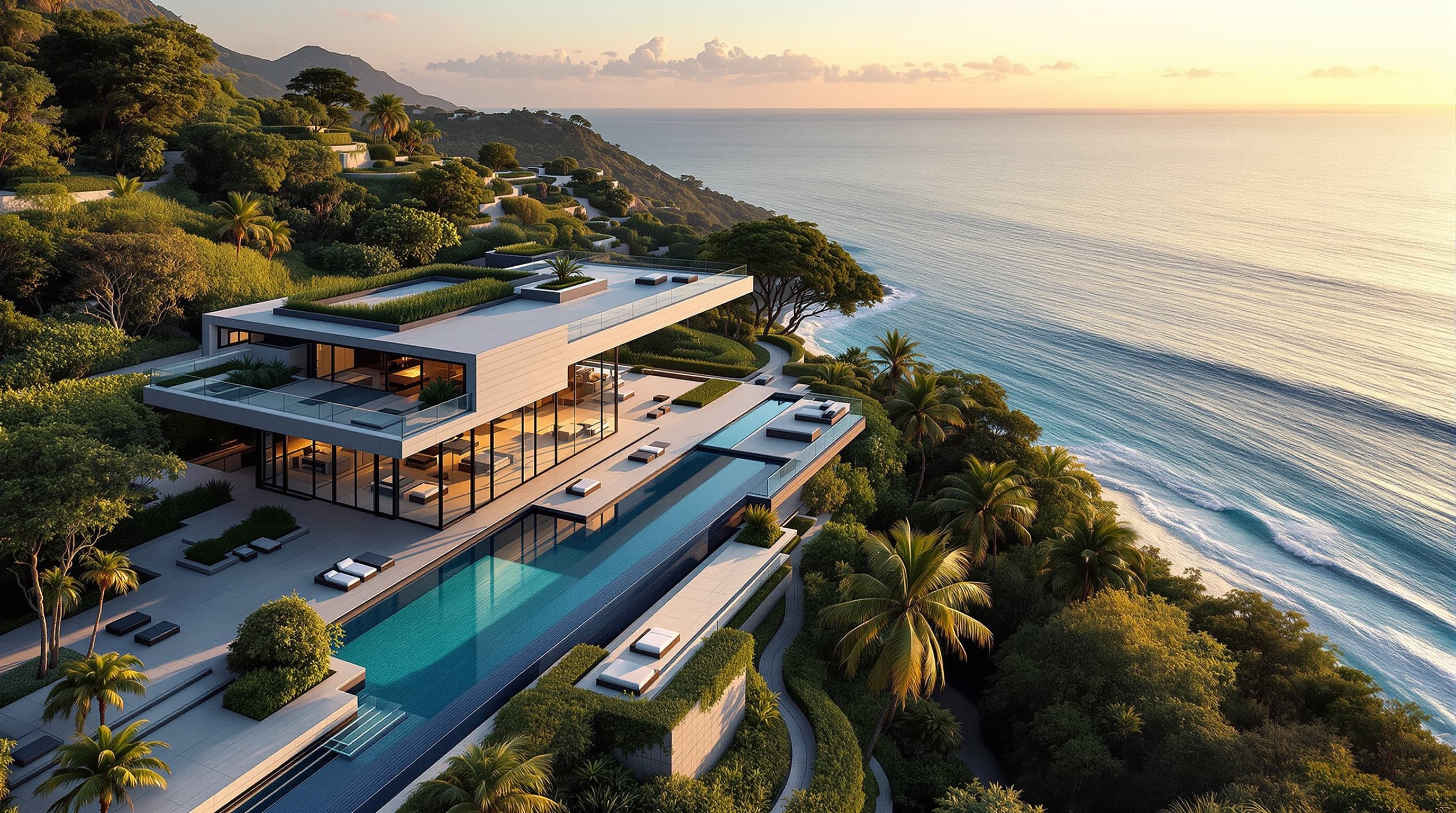
Aerial
Interior
Pacific Palisades glass villa
“Minimalist luxury glass and concrete villa, floor-to-ceiling windows, infinity pool cantilevered over Pacific Ocean, golden hour light raking across polished concrete”
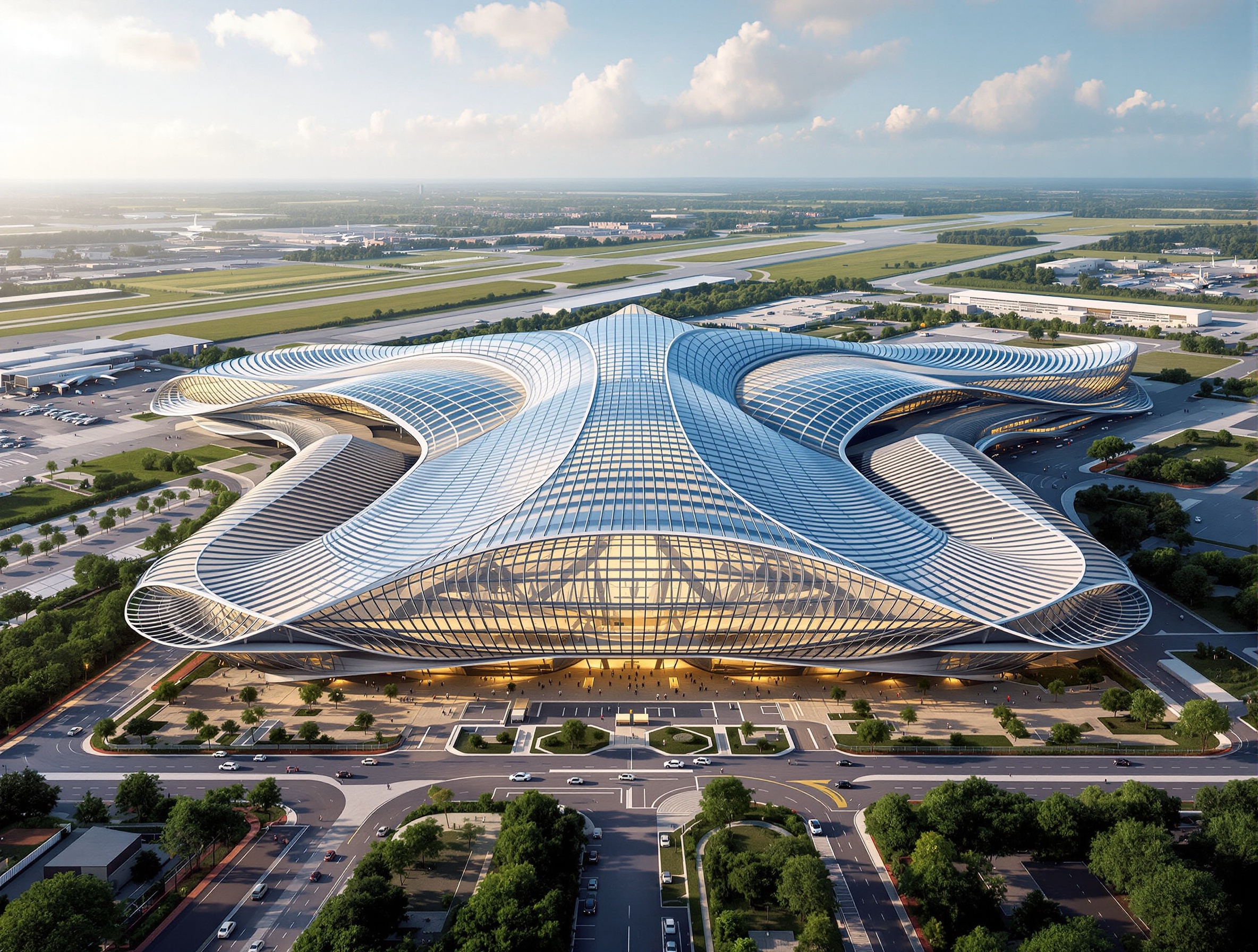
Illustrative concept
A still visual reference for light, form, and material. This image is not a recorded walkthrough or proof of a completed workflow.
Architecture critics
Illustrative sample notes from architectural, structural, MEP, sustainability, accessibility, and cost perspectives. AI observations are not engineering advice, cost estimates, or building-code approval.
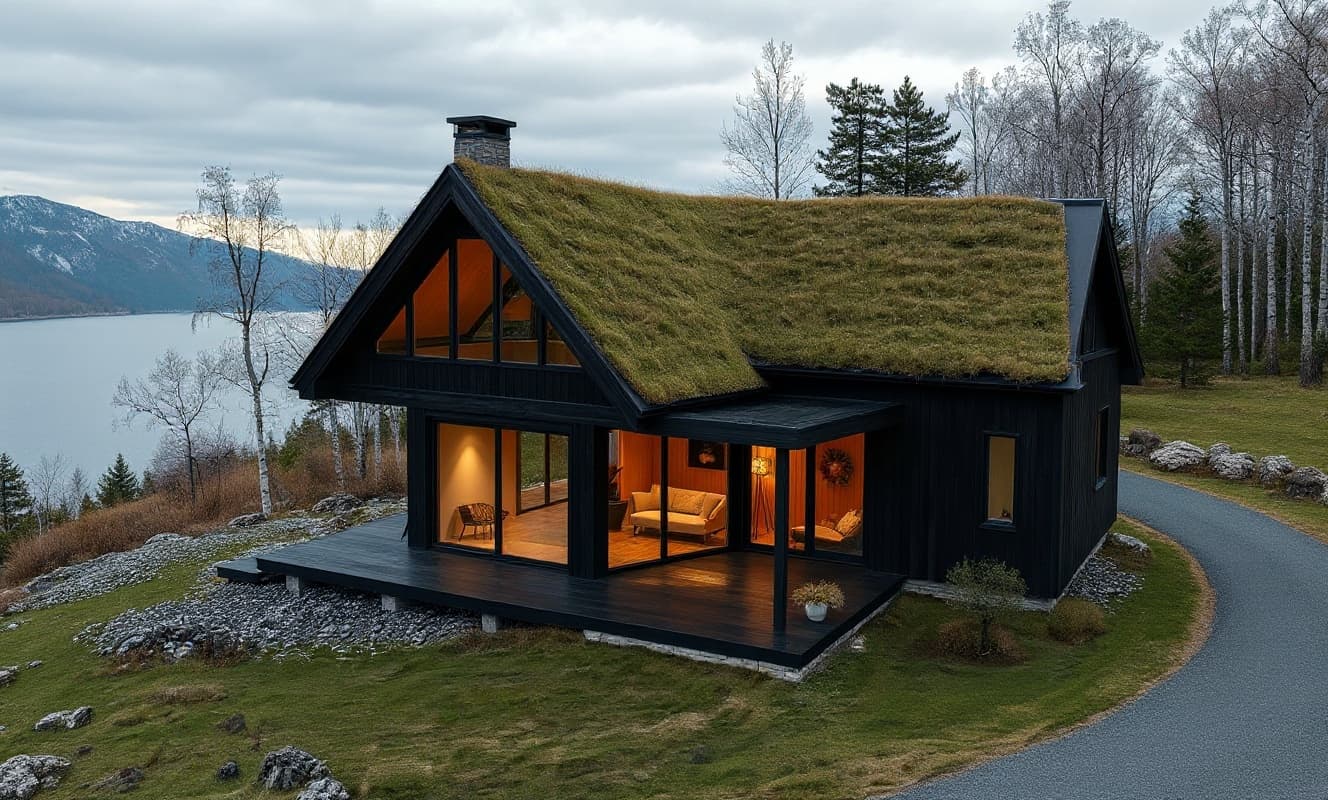
Form, composition, contextual fit
Massing steps politely to the street; the roofline could echo the neighboring cornice line.
Spans and stability
The cantilever is expressive; confirm the transfer beam depth against the published span.
Mechanical, electrical, plumbing routing
Riser locations look coordinated at the core, but ceiling depth on level two is tight for the duct run.
Daylighting and passive strategies
South glazing carries the daylight; add a deeper brise-soleil on the west face to cut afternoon gain.
Circulation and universal design
The entry sequence reads clearly. The service core pinches at the second landing — widen it.
Value engineering and cost drivers
The board-formed concrete is the main cost driver; a precast alternative is worth pricing out.
Early access · Design exploration
Image, motion, and review tools for exploring architectural ideas. Check each output before using it in a client deliverable.
Upload a sketch, a floor-plan PDF, or a photo to explore an architectural image. Timing and results depend on the selected model and input.
Explore motion from a still image. Camera options, duration, and output depend on the selected model.
Explore AI-generated observations from six specialist perspectives. Design exploration, not engineering advice or certification.
Rendering tools accept a sketch, a floor-plan PDF, a photograph, or a written brief. A multi-page PDF uses its first page. Video and 3D tools have their own supported inputs and outputs; check the selected tool before uploading.
No. You can begin a rendering study with a written brief or a supported source image. Generated geometry and details can differ from your input, so review the result before presenting it.
The upscale tool offers creative enlargement up to 4x. Output limits depend on the model and input; inspect generated details before using the image in print.
The video tool supports image-to-video motion studies. Camera options, duration, and resolution vary by model; results are generated video, not a navigable architectural model.
Projects are scoped to your account. Review the privacy policy and your obligations before uploading client or confidential material.
Product subscription plans are being finalized. The founding service is a separate, fixed-scope offer. Account access does not imply free generation; confirm availability and terms before committing to a project.
Start today
Start with a sketch, a floor-plan PDF, or a photo in a supported tool. Explore visual directions, then check the result against your design before sharing it.